
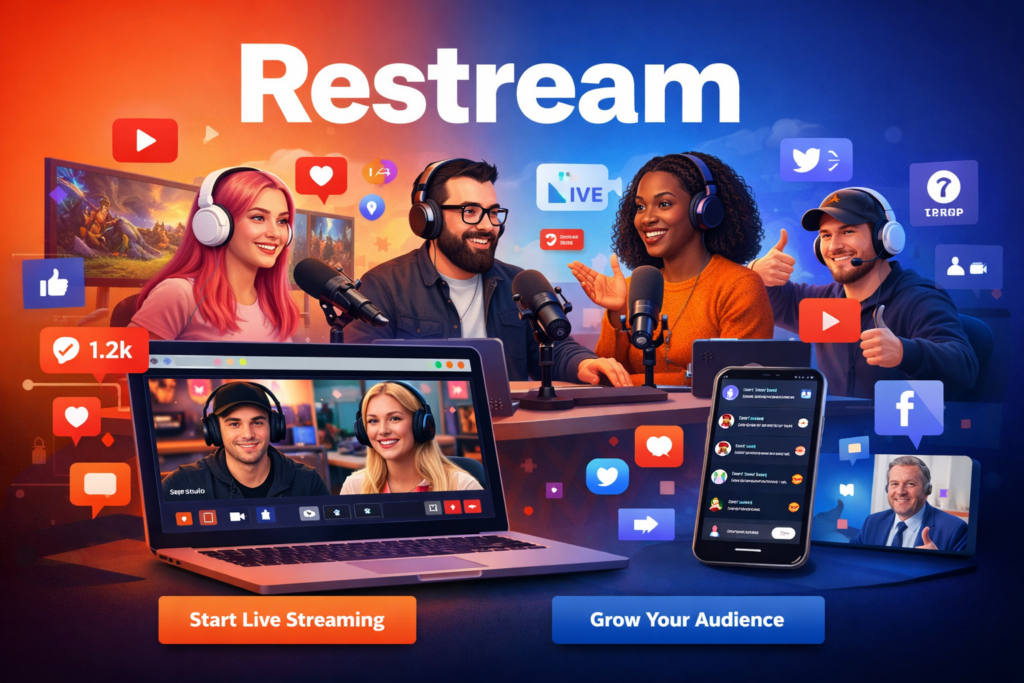
Live streaming has changed the way people connect online. From creators and gamers to businesses and educators, live video is now one of the most effective ways to engage audiences in real time. But managing live streams on different platforms separately can be confusing and stressful.
This is where Restream becomes a game changer.
Restream is a modern live streaming platform that allows users to broadcast live videos to multiple platforms at the same time. With simple tools, cloud-based technology, and professional features, Restream makes live streaming easy, fast, and effective for everyone.
What Is Restream?
Restream is a live streaming and multistreaming software that lets you go live on several platforms simultaneously using one single setup. Instead of opening multiple apps or tools, Restream manages everything from one dashboard.
It is designed for beginners as well as professionals who want to save time, grow their audience, and deliver high-quality live content without technical difficulties.
How Restream Works
Using Restream is simple and user-friendly:
- Create a Restream account
- Connect your streaming platforms
- Choose how you want to go live (browser or streaming software)
- Start streaming once and reach all platforms together
Restream handles the technical side so you can focus on your content.
Key Features of Restream
1. Multistreaming Made Easy
Restream allows you to stream live videos to multiple platforms at once. This helps you reach more viewers without extra effort.
2. Browser-Based Streaming Studio
With Restream Studio, you can go live directly from your web browser. No downloads, no complex settings, and no expensive equipment required.
3. Professional Branding Tools
Add logos, backgrounds, overlays, banners, and lower thirds to your streams. These features help you create a professional and branded look.
4. Guest Invitations
Invite guests to join your live stream using a simple link. This is ideal for interviews, podcasts, webinars, and panel discussions.
5. Unified Live Chat
All messages from different platforms appear in one chat box. You can respond to viewers easily without switching screens.
6. Stream Scheduling
Schedule your live streams in advance so your audience knows when to join. This improves engagement and viewer turnout.
7. Analytics and Performance Tracking
Restream provides useful analytics that show viewer numbers, engagement levels, and stream performance to help you improve future streams.
8. Team Management
You can add team members to help manage live streams, moderate chats, and control production tasks.
9. Recording and Content Reuse
Record your live streams and reuse them later as videos, highlights, or promotional content.
Benefits of Using Restream
Saves Time
Stream once and appear everywhere. No need to manage multiple platforms separately.
Grows Your Audience Faster
Multistreaming helps you reach new viewers on different platforms at the same time.
Beginner-Friendly Platform
Restream is easy to use, even for people with no technical knowledge.
Professional Results
Branding tools and studio features make your streams look polished and high quality.
Affordable and Scalable
Start with basic features and upgrade as your streaming needs grow.
Who Can Use Restream?
Restream is perfect for:
- Content creators
- Gamers and streamers
- Businesses and startups
- Coaches and online educators
- Podcasters and interview hosts
- Churches and nonprofits
- Event organizers and marketers
Whether you stream weekly or daily, Restream fits all streaming needs.
Restream Pricing Overview
Restream offers flexible pricing plans for different users:
- Free Plan – Best for beginners and basic streaming
- Standard Plans – Advanced tools for creators
- Professional Plans – Designed for teams and businesses
You can choose a plan based on your goals and budget.
Why Choose Restream?
Restream stands out because it combines simplicity with powerful features. It removes the technical barriers of live streaming and lets users focus on creating valuable content.
Top Reasons to Choose Restream:
- One dashboard for all platforms
- Easy setup and user-friendly interface
- High-quality live streaming
- Strong branding and collaboration tools
- Reliable performance for all users
Tips to Get the Best Results with Restream
- Use a stable internet connection
- Add branding elements for a professional look
- Schedule streams in advance
- Engage with viewers using live chat
- Check analytics to improve performance
Following these steps will help you grow faster and stream more effectively.
Final Conclusion
Restream is a powerful and easy-to-use live streaming platform that helps creators and businesses reach more audiences without extra effort. With multistreaming, branding tools, live chat, and analytics, Restream offers everything you need for successful live broadcasting.
If you want a smart, reliable, and professional live streaming solution, Restream is an excellent choice.