
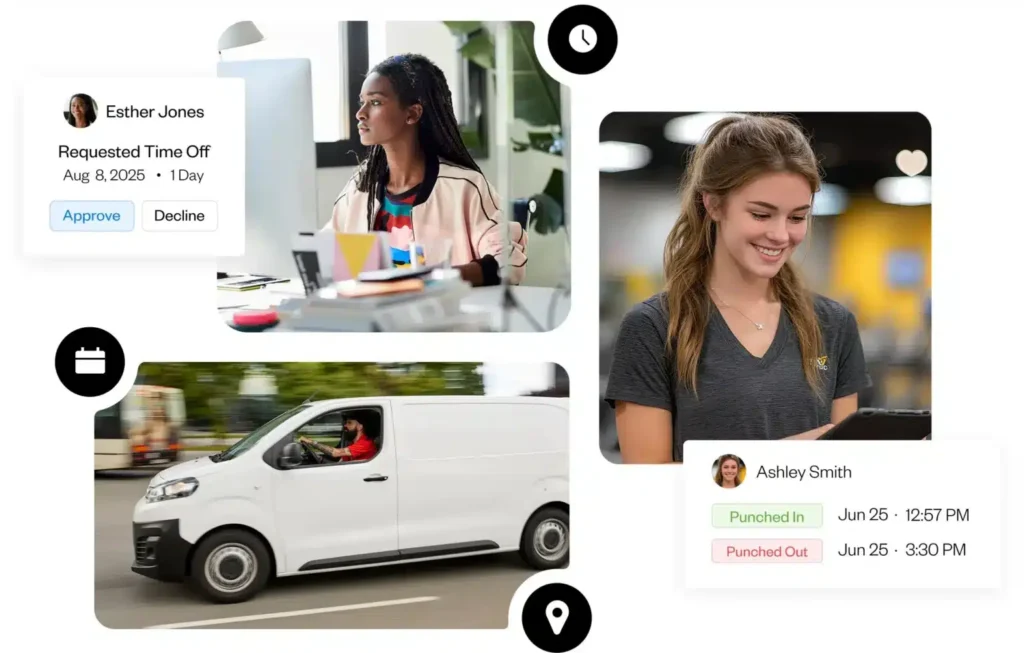
Managing employee time, attendance, and payroll can be challenging, especially for growing businesses and remote teams. Buddy Punch is a modern, cloud-based time tracking and workforce management software designed to make employee management simple, accurate, and stress-free.
Whether you run a small business, manage field workers, or oversee remote employees, Buddy Punch provides powerful tools to track work hours, prevent time theft, manage schedules, and streamline payroll—all from one easy-to-use platform.
What Is Buddy Punch?
Buddy Punch is an online employee time clock system that allows workers to clock in and out using computers, tablets, or mobile devices. It replaces outdated punch clocks and manual spreadsheets with a smart digital solution that ensures accuracy and transparency.
Employees can log their work hours in seconds, while managers get real-time visibility into attendance, work locations, and overtime. This makes Buddy Punch an ideal solution for businesses that want better control over labor costs and productivity.
Why Choose Buddy Punch?
Buddy Punch is trusted by thousands of businesses because it focuses on simplicity, accuracy, and flexibility. Here’s why it stands out:
1. Accurate Time Tracking
Employees can clock in and out easily, and every punch is recorded securely. Advanced options help prevent buddy punching, ensuring employees only log their own hours.
2. Perfect for Remote & Mobile Teams
Buddy Punch works anywhere. Employees can punch in from different locations, making it ideal for remote workers, construction crews, delivery teams, and field staff.
3. Easy Payroll Processing
With automatic calculation of work hours and overtime, payroll becomes faster and more accurate. Managers can export reports and avoid costly payroll mistakes.
4. Simple Scheduling
Create employee schedules quickly using an easy drag-and-drop system. Schedule changes can be shared instantly, reducing confusion and missed shifts.
5. PTO & Attendance Management
Track paid time off, vacations, and sick leave automatically. Employees can request time off, and managers can approve it in just a few clicks.
Key Features of Buddy Punch
Buddy Punch offers a wide range of features designed to save time and improve workforce efficiency:
- Multiple Clock-In Options – Mobile, desktop, tablets, QR codes, and PINs
- GPS Location Tracking – Verify where employees clock in
- Geofencing – Restrict clock-ins to approved locations
- Facial Recognition & Photo Capture – Prevent time theft
- Custom Reports – Attendance, payroll, overtime, and PTO reports
- Employee Scheduling – Weekly and monthly scheduling tools
- Overtime Alerts – Get notified before labor costs increase
- Time Off Management – Automated PTO tracking
These features work together to give managers complete control without micromanaging employees.
How Buddy Punch Helps Businesses
Businesses using Buddy Punch experience real improvements in daily operations:
- Reduced payroll errors
- Less time spent managing timesheets
- Improved employee accountability
- Better tracking of remote and mobile workers
- Clear records for audits and compliance
By automating time tracking, companies can focus more on growth instead of administrative work.
How Buddy Punch Works
Step 1: Employees Clock In
Workers punch in and out using their preferred device. The system records time, location, and verification details.
Step 2: Managers Review Timesheets
Managers can review attendance, approve hours, and monitor overtime in real time.
Step 3: Run Payroll Easily
Export accurate reports for payroll processing in minutes, reducing errors and delays.
The entire process is smooth, fast, and user-friendly.
Who Should Use Buddy Punch?
Buddy Punch is ideal for:
- Small and medium-sized businesses
- Remote teams and freelancers
- Construction and field service companies
- Retail stores and restaurants
- Healthcare and service providers
- Startups and growing companies
No matter your industry, Buddy Punch adapts to your workforce needs.
Pricing Overview
Buddy Punch offers flexible pricing plans based on the number of users and features required. Businesses can start with a free trial to test all features before committing. This makes it a low-risk, high-value solution for time tracking and employee management.
Tips to Get the Best Results with Buddy Punch
- Set up overtime rules early to control labor costs
- Enable GPS or facial recognition for better accuracy
- Use scheduling tools to reduce shift conflicts
- Train employees properly for faster adoption
These small steps help maximize the benefits of the software.
Final Thoughts
Buddy Punch is more than just a time clock—it’s a complete workforce management solution. With accurate time tracking, flexible scheduling, payroll support, and powerful reporting tools, it helps businesses save time, reduce errors, and manage employees more efficiently.
If you want a reliable, easy-to-use time tracking system that grows with your business, Buddy Punch is an excellent choice.